

Technical Analysis
How To Use
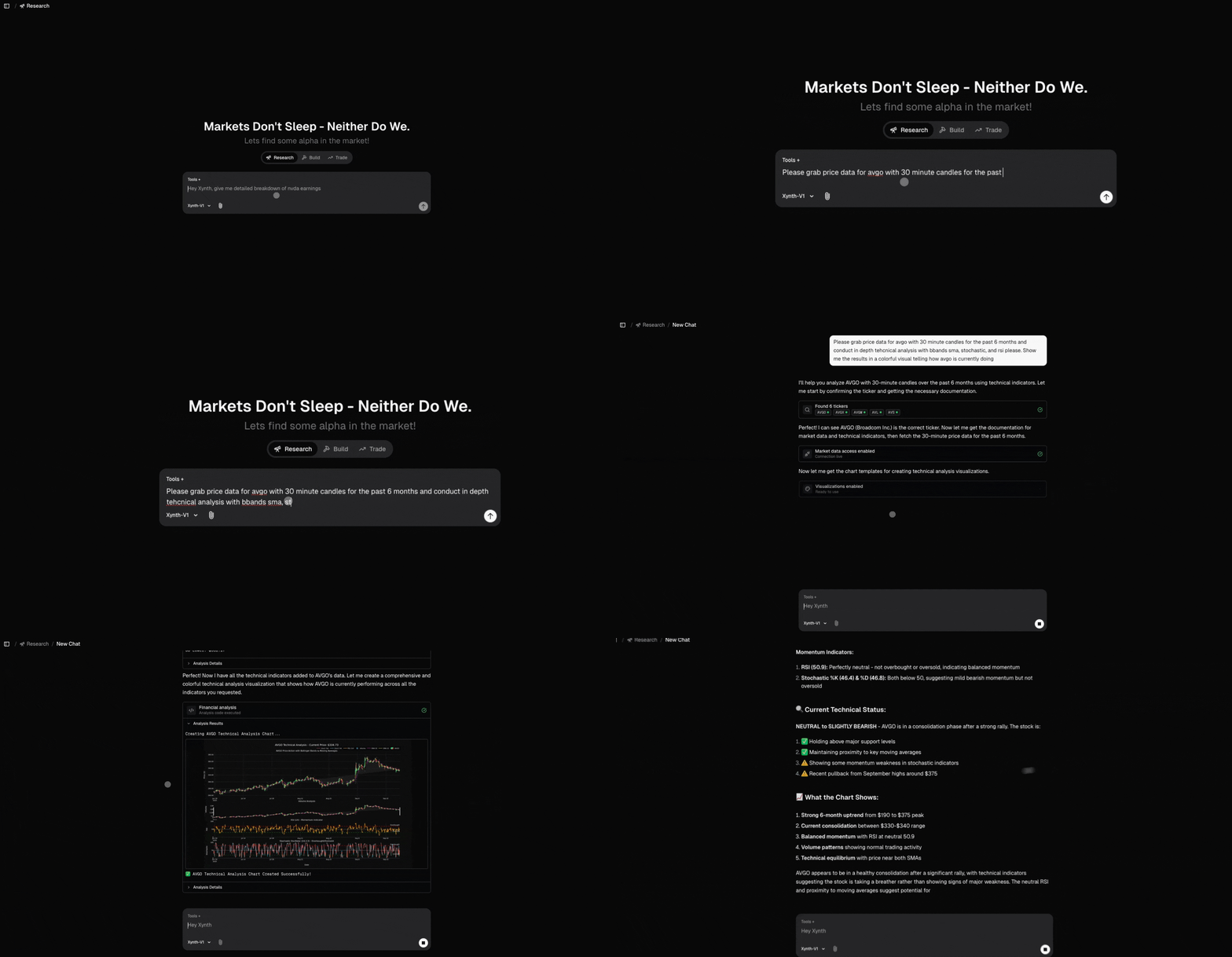
The technical analysis tool requires stock or crypto data to be preloaded before conducting analysis. If you're starting fresh, you should first tell Xynth to pull data for a specific ticker (e.g., SPY, AAPL, BTC) and then conduct technical analysis with your required indicators.
Getting Started
- Load Stock Data First: Tell Xynth to pull data for your target ticker
- Specify Indicators: Request specific technical indicators or let Xynth choose relevant ones
- Analyze Results: Review the technical signals and patterns identified
How to trigger: Use the Technical Analysis tool directly from the tools tab, or mention "technical analysis" in your prompt along with specific indicators you want to analyze.
Available Indicators
Candles:
CDL patterns, Doji, Hammer, Engulfing, Harami, Morning/Evening Star
Cycles:
HT_DCPERIOD, HT_DCPHASE, HT_PHASOR, HT_SINE, HT_TRENDMODE
Momentum:
ADX, ADXR, APO, AROON, AROONOSC, BOP, CCI, CMO, DX, MACD, MACDEXT, MACDFIX, MFI, MINUS_DI, MINUS_DM, MOM, PLUS_DI, PLUS_DM, PPO, ROC, ROCP, ROCR, ROCR100, RSI, STOCH, STOCHF, STOCHRSI, TRIX, ULTOSC, WILLR
Overlap:
BBANDS, DEMA, EMA, HT_TRENDLINE, KAMA, MA, MAMA, MAVP, MIDPOINT, MIDPRICE, SAR, SAREXT, SMA, T3, TEMA, TRIMA, WMA
Pattern Recognition:
All CDL patterns from pandas-ta
Price:
AVGPRICE, MEDPRICE, TYPPRICE, WCLPRICE
Statistic:
BETA, CORREL, LINEARREG, LINEARREG_ANGLE, LINEARREG_INTERCEPT, LINEARREG_SLOPE, STDDEV, TSF, VAR
Volatility:
ATR, NATR, TRANGE
Volume:
AD, ADOSC, OBV
Example Queries
- "Load SPY data and show me RSI, MACD, and Bollinger Bands with volume confirmation"
- "Pull 2-year AAPL data and backtest a golden cross strategy (50/200 EMA) with RSI filter"
- "Get Bitcoin data and identify oversold conditions using multiple oscillators (RSI, Stochastic, Williams %R)"
💡 Pro Tips
- Start with Data Loading: Always ensure you have sufficient historical data loaded before running complex technical analysis
- Combine Multiple Timeframes: Use different timeframes (daily, weekly, hourly) for more robust signal confirmation
- Create Your Own Indicators: You can ask Xynth to create custom indicators by combining existing ones or using mathematical formulas
- Technical + Fundamentals: Combine technical signals with fundamental analysis for stronger investment thesis
- Technical + Search: Use search to understand market context behind technical signals
- Technical + Screening: Screen for stocks meeting technical criteria then deep-dive with full analysis
⚠️ Important Notes
- Data Prerequisites: Technical analysis requires preloaded stock/crypto data - start by pulling data for your target ticker
- Sufficient Data: Grab enough historical data as SMA and EMA calculations depend on lookback periods (e.g., 200-day SMA needs 200+ days)